Floating camera window
Keep your webcam visible above slides, code, or design tools without switching scenes or using complex broadcast software.
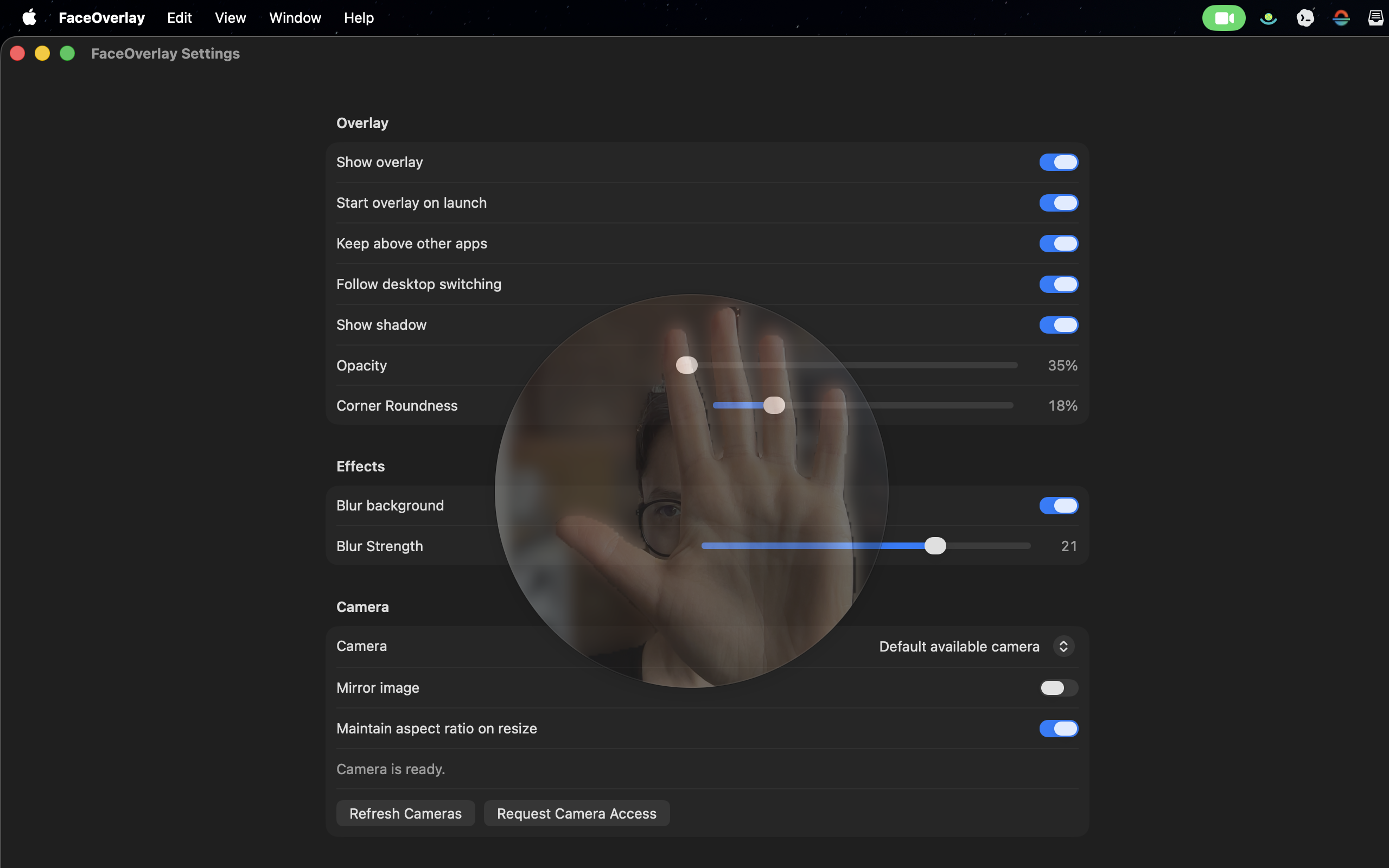
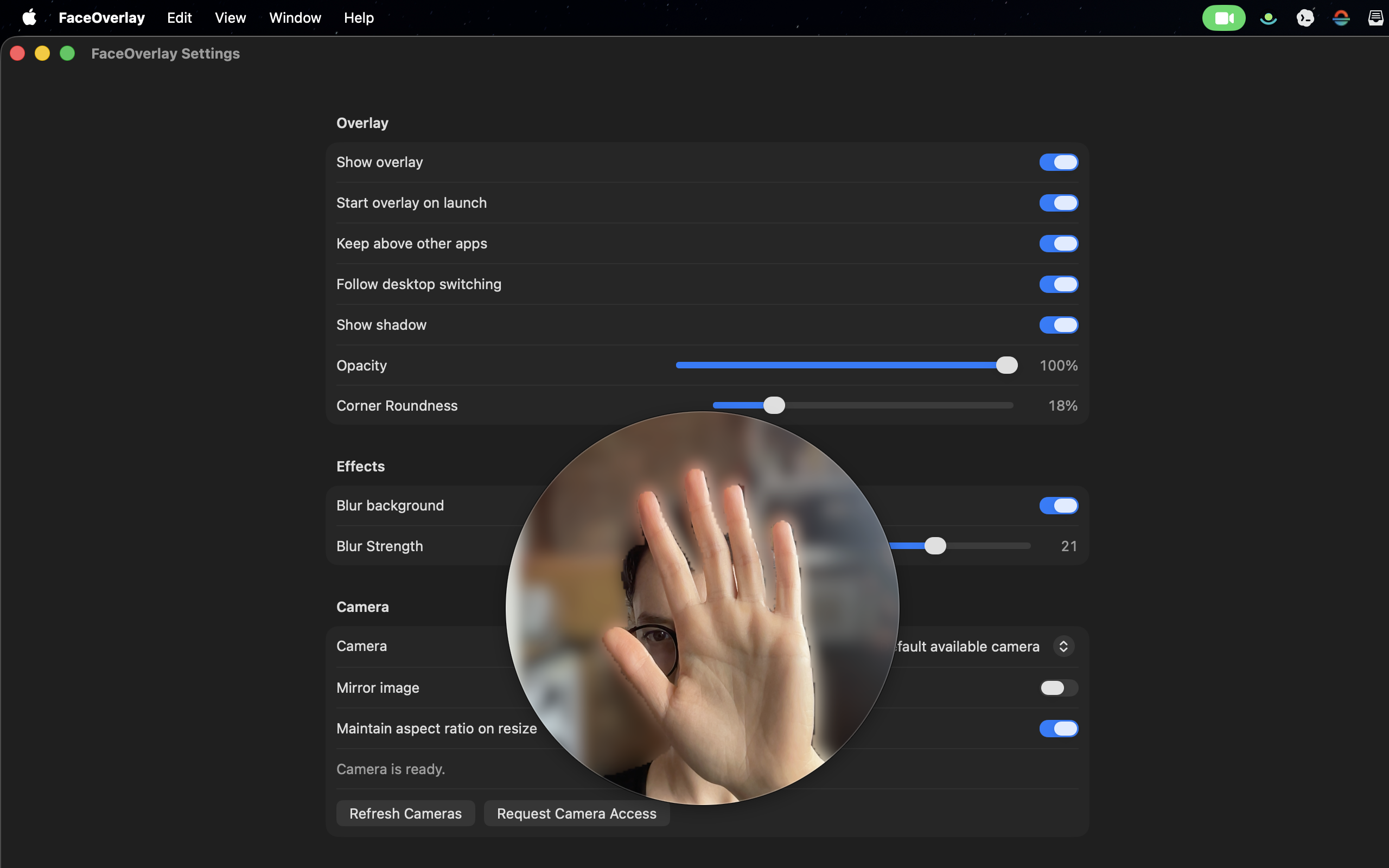
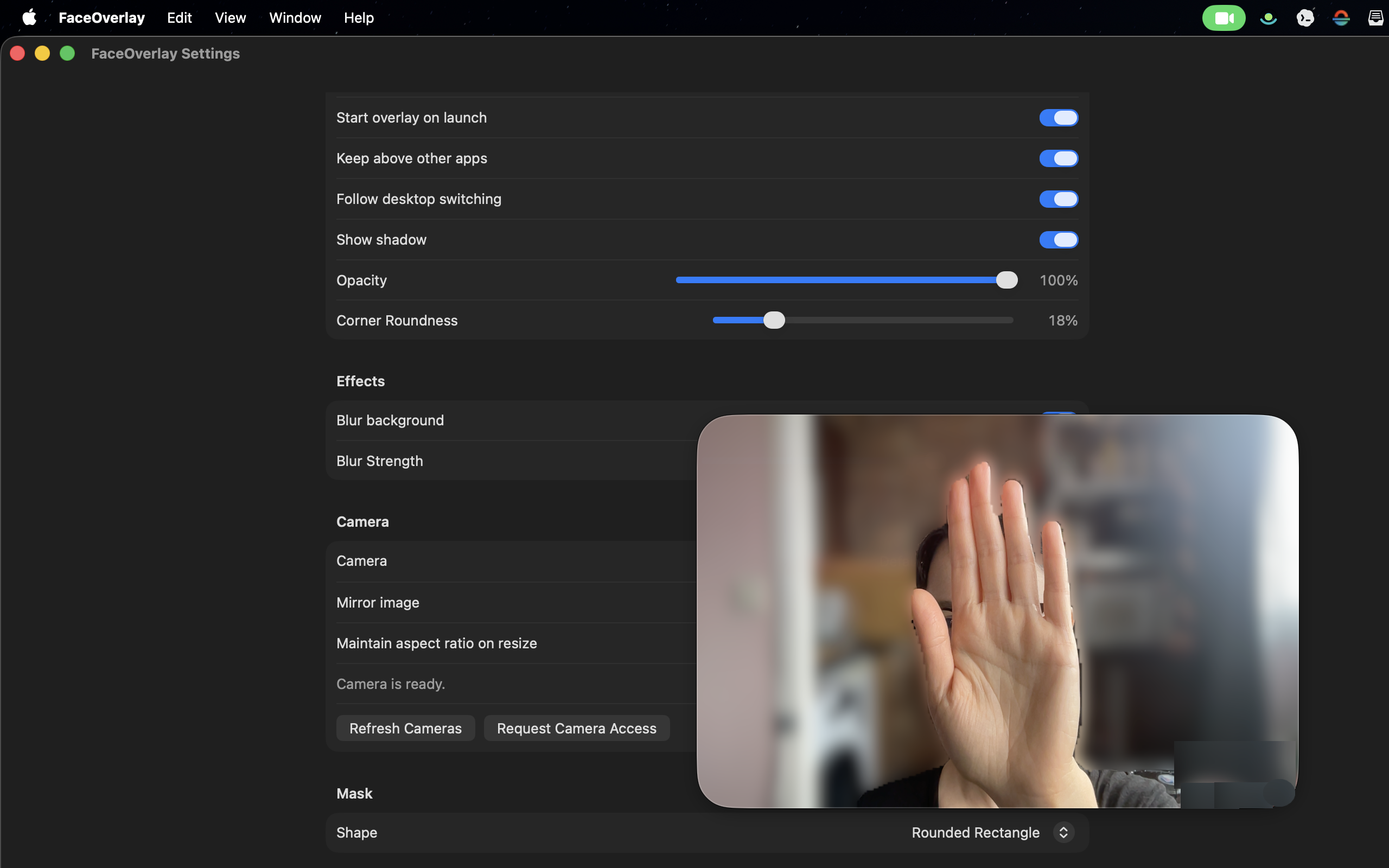
FaceOverlay places a clean, floating webcam window above your Mac so demos, tutorials, and screen shares feel human without cluttering the rest of your workflow.
Features
Keep your webcam visible above slides, code, or design tools without switching scenes or using complex broadcast software.
Adjust opacity, roundness, shadow, visibility, and size so the camera feels intentional instead of pasted on top.
Choose whether the overlay stays above other apps and whether it follows you across desktop switching on macOS.
Select your camera, mirror the image, and enable background blur for a lighter-weight alternative to full streaming setups.